




Subject-aware framing
The service detects and follows important subjects while choosing the crop.
Turn a landscape video into a default 9:16 vertical result with automatic subject-aware framing.
Up to 20 GB per file · Up to 4 hours
File formats: MP4 / MOV / MKV / AVI / FLV
Supports MP4, MOV, MKV, AVI and FLV; files up to 20 GB and 4 hours. MediaKit tracks important subjects and chooses a vertical crop for the finished video.
The output uses the default 9:16 vertical ratio and is billed by the finished output duration. Results depend on the people, objects and camera movement in the original video.
Private uploads. Only your account can access your files.The browser reads file information first; if it cannot read the duration, Start still uploads the file for server checks and an exact quote.
Create a 9:16 version for short-form feeds while keeping the important subjects in frame.
The service detects and follows important subjects while choosing the crop.
Receive a vertical result that is ready to review and share.
Upload after you start and keep using your computer while the task runs.
Download the vertical result and review the framing before publishing.
Review a fixed quote of 12 credits per output minute, with a 3-credit minimum.
Your uploaded source and result stay behind your account access.
Choose a landscape video, review the quote, then download the vertical result
Keep your story visible when the viewing format changes
Automatic tracking helps keep a speaker or main subject in the vertical crop.
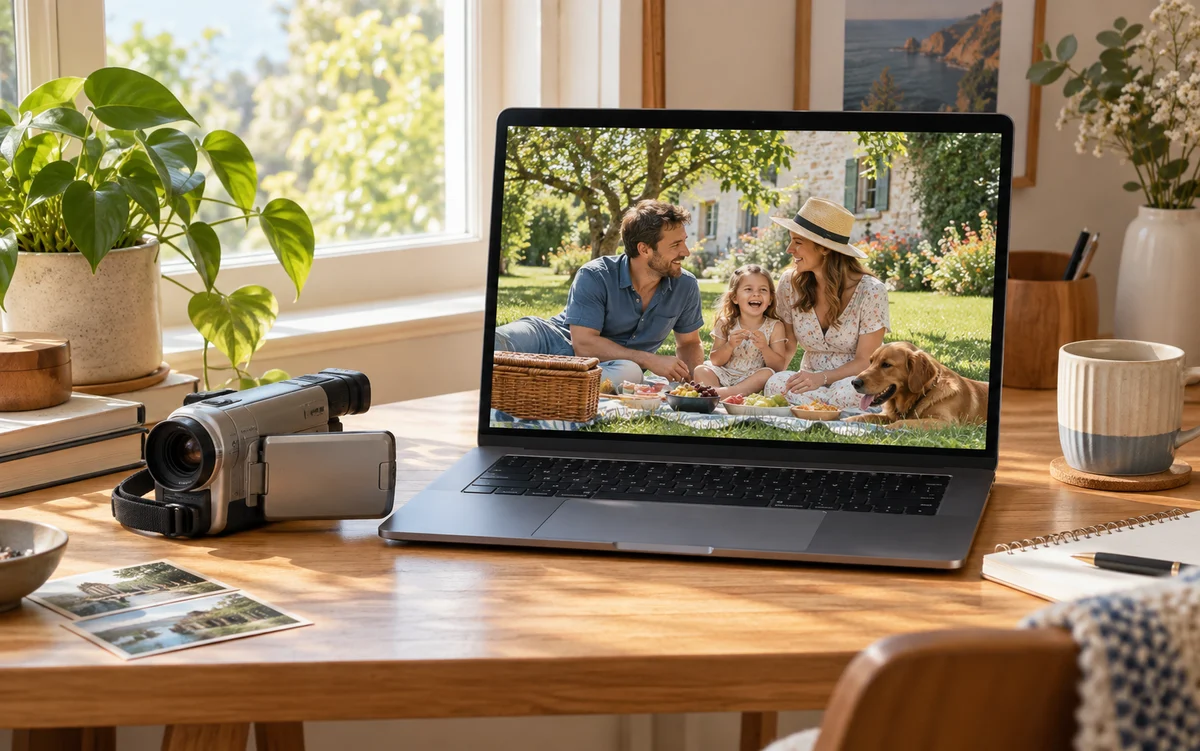
Keep a main subject in the vertical crop while preserving useful scene context where possible.
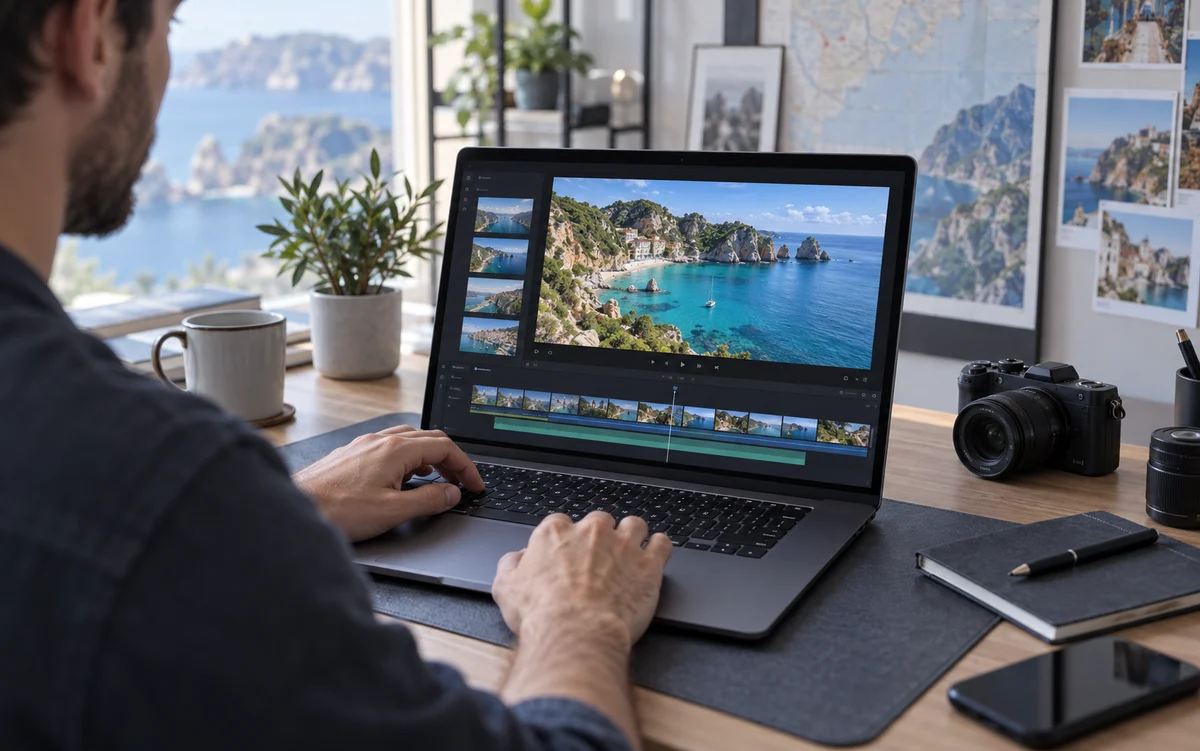
Create a 9:16 draft for feeds and mobile viewing, then review the crop before publishing.
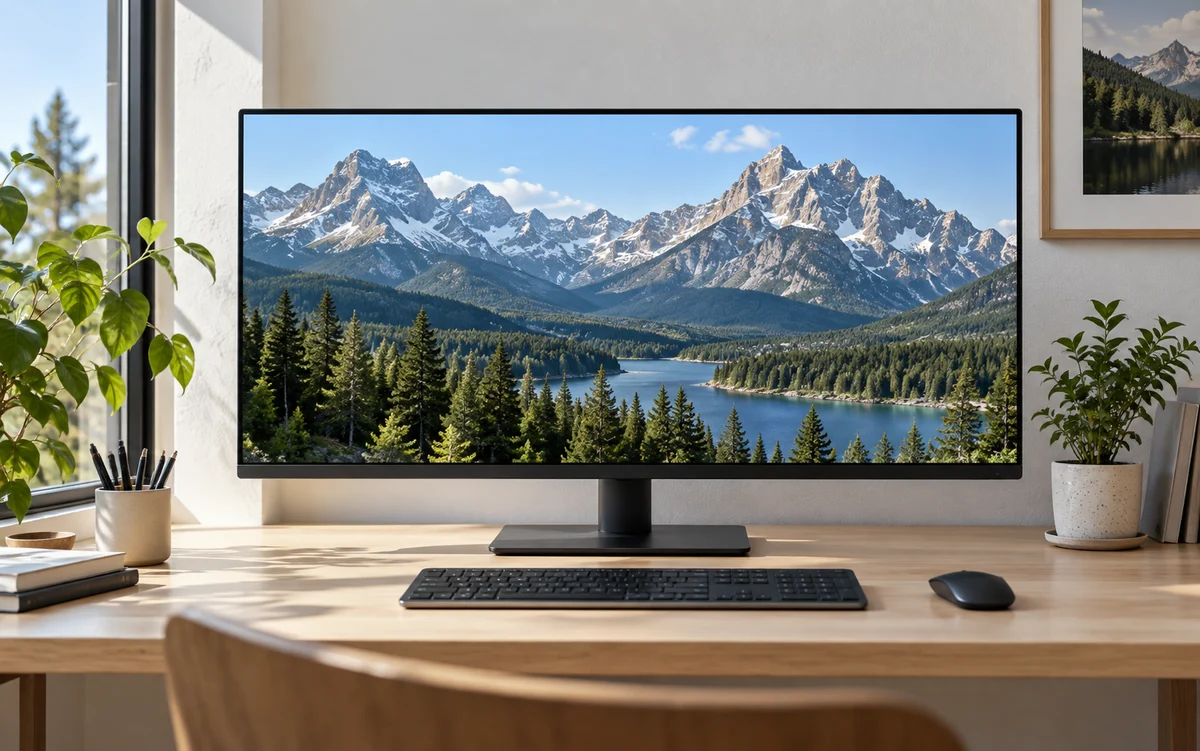
Upload a landscape clip, review the 12-credit-per-minute quote, and create a 9:16 result for vertical viewing.
Make a vertical videoAnswers about video reframing