




Automatic face detection
The service finds faces throughout the video and applies the selected mask.
Protect faces in mainstream video formats with mosaic or Gaussian blur. Supports up to 4K, 25–60 fps and 10 minutes per input.
Up to 4K · 25–60 fps · no longer than 10 minutes
File formats: MP4 / FLV / TS / AVI / MOV / WMV / MKV and other mainstream video formats
The service detects and masks every face it finds. Check the result for missed or false detections.
Private uploads. Only your account can access your files.Your video is uploaded only after you start processing.
Apply consistent face masking while keeping the surrounding scene information.
The service finds faces throughout the video and applies the selected mask.
Use mosaic blocks or Gaussian blur with low, medium or high strength.
Compare the processed file with your source and check difficult scenes carefully.
Use MP4, FLV, TS, AVI, MOV, WMV, MKV and other mainstream video formats supported by the provider.
The quote is based on your input duration and appears before processing.
Your source and result stay behind your account permissions.
Upload a video, choose the mask settings, then compare and download the result.
Prepare interviews, events and social clips for safer sharing.
Keep the surrounding action visible while protecting identifiable faces.

Prepare travel footage, social clips, and personal projects at a higher resolution. Keep the original aspect ratio and audio, then download an MP4 for the editing workflow you already know.
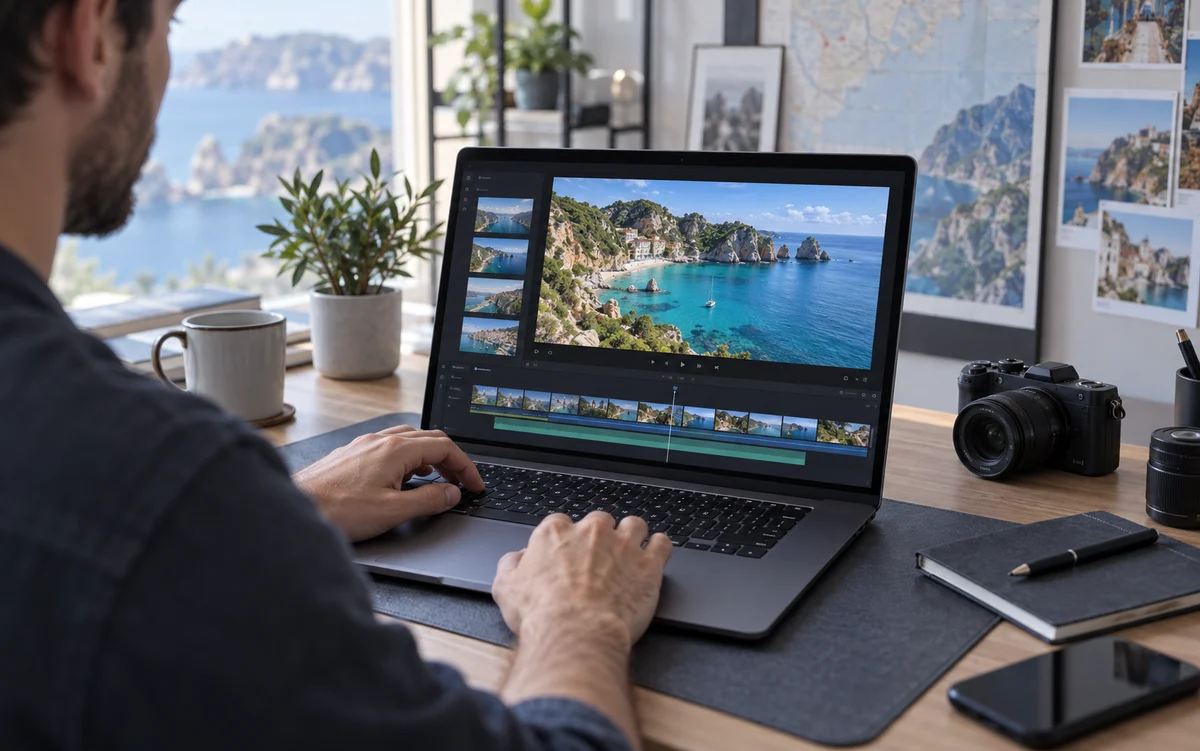
Choose 1080p or 4K and see the exact dimensions and credit quote before processing. Return to your library to preview, compare, and download the result. Improvement depends on the source footage.

Drag the divider to compare both sides. Press play to explore the details in motion.
Waves, rocks, and details in the distance
Comparison demo: lower- and higher-quality versions of the same stock clip demonstrate the player. These are not actual AI processing results.
Start with a short representative clip and review every scene before sharing.
Blur faces in a videoLearn about inputs, detection, quotes and result review.