
Skip to content
Artplayer AI
Video UpscalerImage UpscalerGIF UpscalerVideo Face Blur
My filesPricingSave ~20%

Get Started

Sign in to use AI tools and manage your files, tasks and credits.

Artplayer AI
Video UpscalerImage UpscalerGIF UpscalerVideo Face Blur

AI Video Upscaling Guides

Prepare your video, choose 1080p or 4K, and learn how to check and save the result. Start with these practical guides.

Illustration of a creator preparing a video on a laptop with a larger video preview.

How to Upscale a Video: From Upload to Download

Learn how to upscale a video with Artplayer AI: prepare your source, choose a mode and resolution, review credits, compare motion and download the finished MP4.

Read more
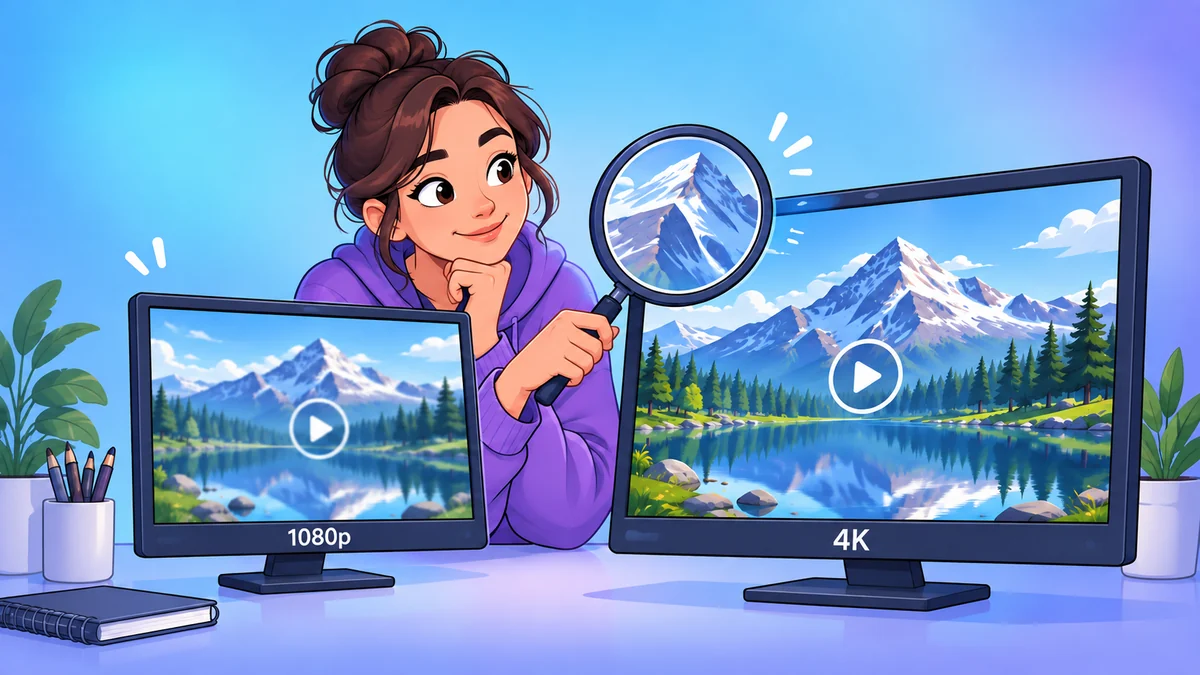
Illustration of a creator comparing mountain footage on screens labeled 1080p and 4K.

1080p vs 4K: Choose Your Video Output Resolution

Compare 1080p and 4K video output using source dimensions, viewing screens, scale limits and credit quotes. Choose the resolution that fits your next project.

Read more
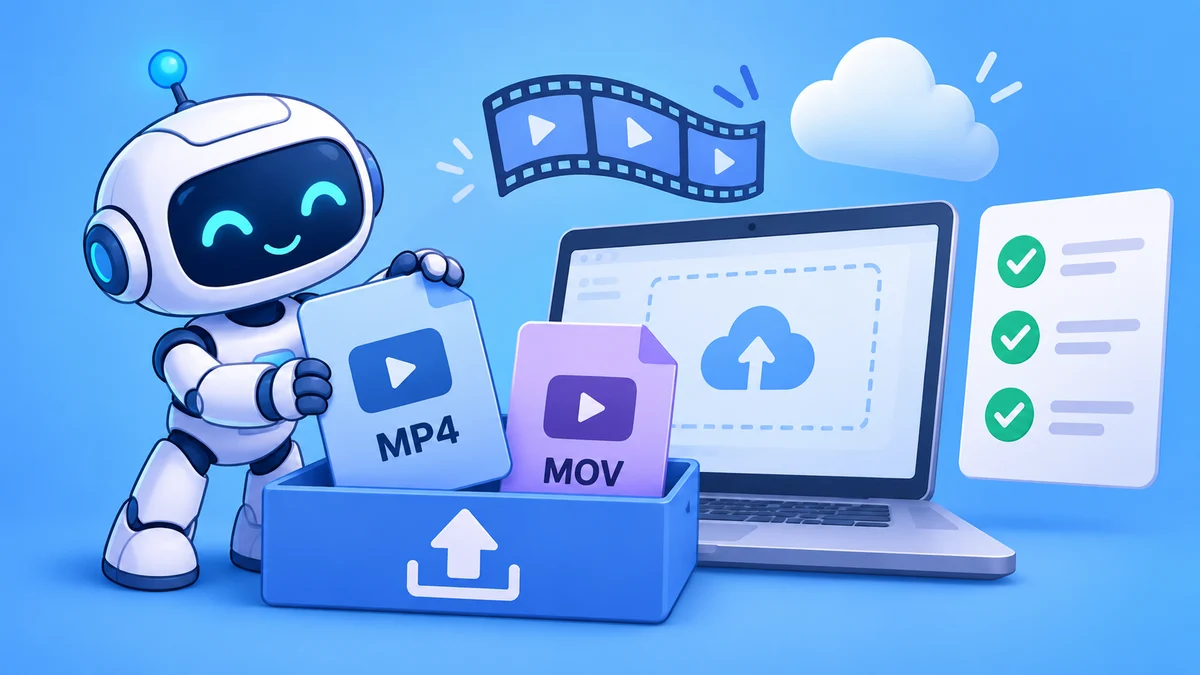
Illustration of a friendly robot organizing MP4 and MOV files beside an upload tray and checklist.

Supported Video Formats: MP4 & MOV Upload Guide

Prepare an MP4 or MOV for AI video upscaling. Check H.264, AAC audio, SDR color, aspect ratio, file size and mode limits before uploading to Artplayer AI.

Read more
Artplayer AI

Practical AI media tools with simple settings and clear pricing.

AI tools

All AI toolsAI Video UpscalerImage UpscalerGIF UpscalerVideo Face Blur

Workspace

My filesAccount & credits

Learn

BlogHelpVideo upscaling basicsVideo output resolutionVideo upscaling FAQs

Resources

Refund policyPrivacy policyTerms of serviceCredits & subscriptions
© 2026 Artplayer AI. All rights reserved.support@artplayer.org