




More pixels, finer detail
Increase image resolution and enhance natural textures. Results depend on your source.
Enhance JPG, PNG and WebP images online. Choose an output size, review your credit quote and download a PNG.
Up to 20 MB per file
File formats: JPG / PNG / WebP
Private uploads. Only your account can access your files.Originals: 24 hours · Results: 7 days
Upload a photo, choose a size, and bring the details into focus.
Increase image resolution and enhance natural textures. Results depend on your source.
1080p, 1024 square, 2K, or experimental 4K. See the exact dimensions before starting.
Your image processes in the cloud while you carry on with your day.
Upload JPG, PNG, or WebP and download your result as a PNG image.
Accept a fixed credit quote. You won't be charged extra when the task finishes.
Authenticated access, limited retention, and a delete control for your files.
Upload, choose a resolution, and download your enhanced image
Familiar faces, favourite places, and everyday details
Bring portraits and everyday memories into focus. Compare skin, hair, and expressions with the original before saving.

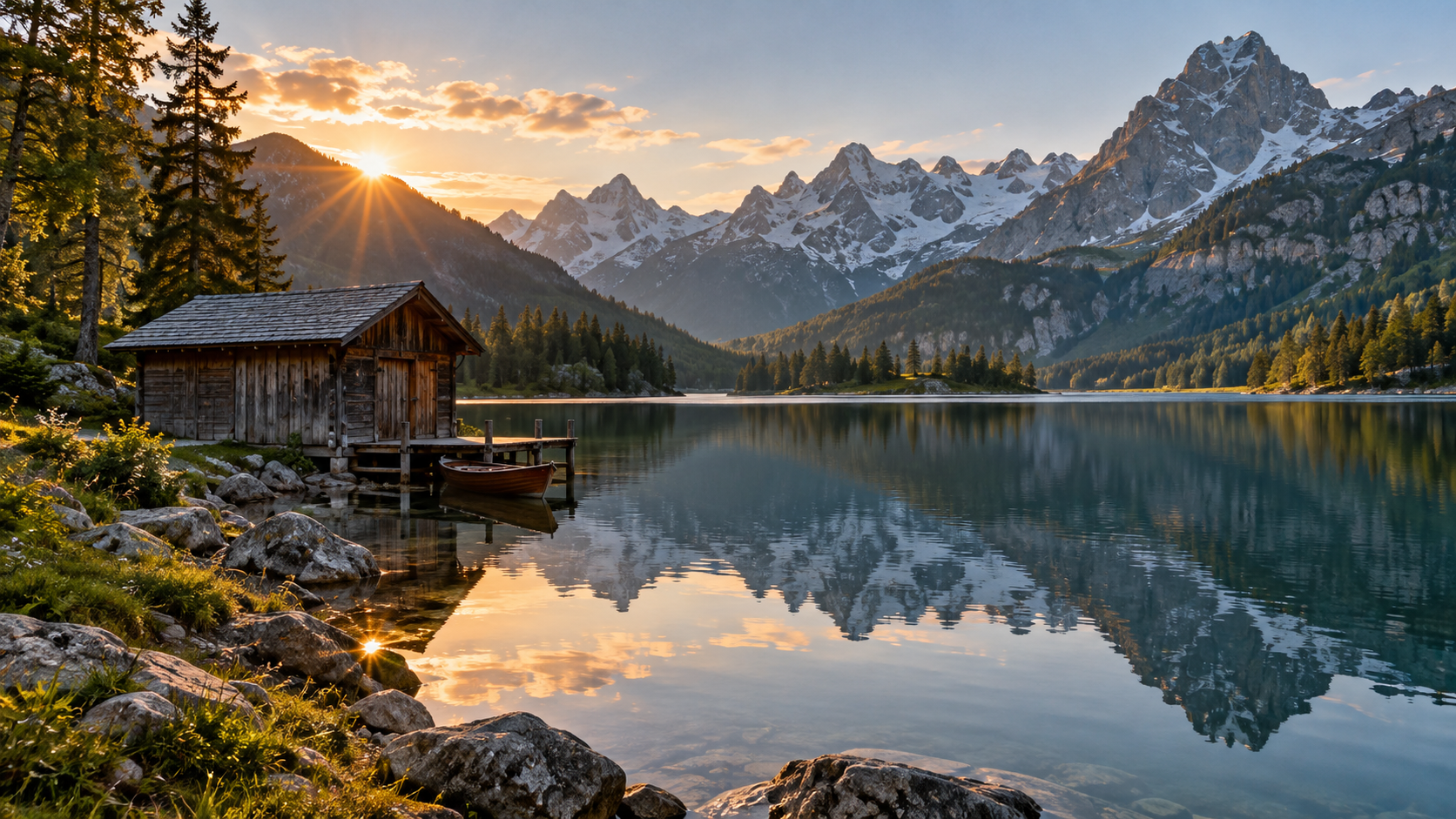
Prepare travel photos and landscapes at a larger size. Take a closer look at distant scenery and natural textures.
Give food, still-life, and creative photos more room. Download a PNG for your next post or design.

Drag the divider and explore four kinds of photo detail.
Mountains, reflections, and details in the distance
Drag to explore the details
Illustrative samples: AI-generated images with a softened preview. These are not actual upscaling results.
Choose a photo, select a size, and see the credit quote before you start.
Upscale your imageAnswers to common questions about upscaling your images